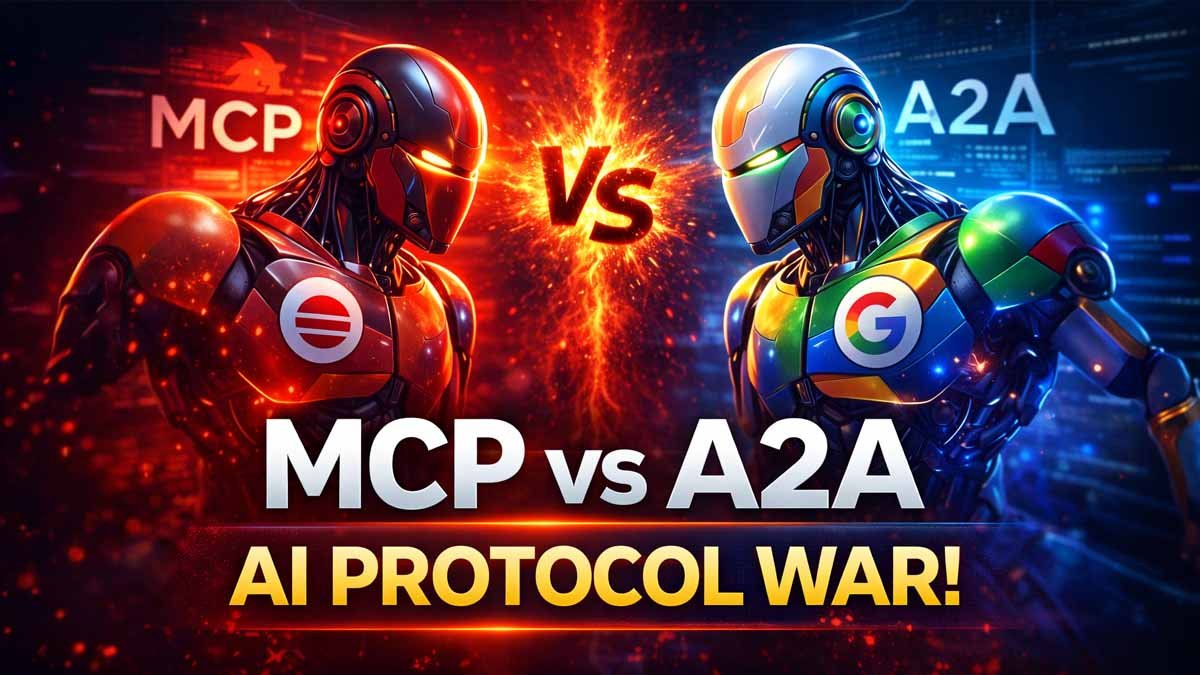
MCP Vs A2A Ai Protocol WAR
Two protocols, two tech giants. One question that’s going to shape how every AI agent on the planet talks to the outside world.
In November 2024, Enthropic dropped MCP. 6 months later, it had become the standard. Open adopted it. Google said they had supported. Thousands of developers built integrations.
Then in April 2025, Google announced A2A with 50 partners already signed up. Salesforce, MongoDB, SAP, PayPal.
And they did something interesting. They said A2A compliments MCP, not competes, compliments.
But the internet wasn’t buying it.
Solomon Hikes, the creator of Docker, tweeted, “In theory, they can coexist. In practice, I foresee a tug of war.”
So, what’s actually going on? Is Google playing nice, or did they just fire the first shot in an AI protocol war?
Let’s break it down.
You are a developer. You have built an AI assistant for your company. It’s smart. It’s helpful. But it’s also completely blind.
It doesn’t know what’s in your Slack. It can’t see your Google Drive. It has no idea what’s in your database or your CRM or your GitHub repos.
Every time a user ask about something company specific, the AI just guesses or apologizes.
So you start building integrations.
You write code to connect your AI to Slack, then Google Drive, then Salesforce, then your internal wiki.
Each integration takes weeks. Each one has its own authentication flow, its own data format, its own error handling.
Think about what USB did for hardware.
Before USB, every device had its own proprietary cable. Your printer, your keyboard, your camera, your phone, all different connectors.
USB said here is one standard plug build to this and everything works with everything.
And that’s the promise of MCP — the USB-C port for AI.
Say you want cloud to access your company’s post SQL database.
Without MCP you’re writing custom code, database connectors, query builders, result formatters, error handlers.
With MCP you spin up an MCP server which is basically a lightweight wrapper that exposes your database through a standard interface.
The MCP server publishes three things.
First, resources. These are data the AI can read. Your database tables, your schemas, maybe some sample queries.
Second, prompts, templates that help the AI interact with your data effectively.
And third, tools, functions the AI can actually call.
Run this query. Insert this record. Update this row.
Any MCP compatible AI can now access your database.
And any MCP server you add to your setup — say for Slack or GitHub — automatically becomes available to all your AI applications.
And this is why MCP exploded.
Within months of launch, the community had built MCP servers for Google Drive, Slack, GitHub, Notion, Postgra, Stripe, and hundreds more.
MCP was the standard.
So why would Google launch something different?
Google’s argument is that MCP solves only half the problem.
It handles what they call vertical integration — connecting an AI to the tools and data beneath it.
But what about horizontal integration?
What happens when you have multiple AI agents that need to work together?
Let me give you a scenario that makes this concrete.
You are an enterprise.
You have got a customer service AI that handles support tickets.
You have got a separate AI that manages your knowledge base.
A third one handles billing questions.
A fourth does technical troubleshooting.
Each of these agents is good at its specialty and uses MCP to connect to its relevant tools.
A customer writes in:
“I was charged twice for my subscription and now I can’t log to my account.”
This ticket touches billing, authentication and possibly technical issues.
No single agent can handle it.
The customer service agent needs to ask the billing agent to check for duplicate charges.
If there’s an account issue, it needs to loop in the authentication agent.
If there’s a bug, maybe the technical agent needs to investigate.
How do these agents coordinate?
How does this customer service agent know what the billing agent can do?
How they pass context back and forth?
How do they handle a resolution process that might take hours or days with a customer checking in periodically?
MCP doesn’t have answer for this.
It’s designed for agent tool communication, not agent to agent collaboration.
And that’s the gap A2A fills.
A2A introduces some concepts that are genuinely clever.
The first is the agent card.
Every A2A compatible agent publishes a JSON file at a well-known URL, typically:
/well-known/agent.json
This card describes everything another agent needs to know.
What skills does the agent have?
What authentication does it require?
What kind of task it can handle?
And how should you communicate with it?
Think of it like a LinkedIn profile for AI agents.
When agents needs to collaborate, they first discover each other by reading these cards.
The customer service agent finds a billing agents card, sees that it can handle refund request and now knows exactly how to ask for help.
The second concept is the task life cycle.
When one agent ask another to do something, that request becomes a task with a unique ID.
And unlike a simple API call, this task has states:
submitted
working
input required
completed
failed
The task can take minutes or weeks.
Agents can check in on progress.
They can provide additional information when needed.
They can handle interruptions and resumptions.
This matters because real world business processes aren’t instantaneous.
That duplicate billing issue, maybe it requires a human in finance to approve the refund.
Maybe it needs an investigation that takes a few days.
A2A is designed for this kind of long running multi-step collaboration.
Google has also built A2A with enterprise security from day one.
Agent cards specify authentication requirements.
The protocol supports OAuth, API keys and can integrate with existing identity providers.
This wasn’t an afterthought.
It was a core design principle.
Now Google has this analogy they use and I actually think it’s pretty good.
Imagine an auto repair shop run entirely by AI agents.
You have got a shop manager who talks to customers.
You have got mechanic agents who do the actual repairs.
And you have got supplier agents who provide parts.
When a customer walks in and says:
“Hey, my car is making a weird rattling noise.”
That’s an eight-way conversation.
The manager needs to ask follow-up questions.
Maybe request a video of the noise.
Understand when it happens.
This is conversational fuzzy multi-turn.
The manager figures out it’s probably a suspension issue and hands it to the mechanic agent.
That’s another interaction — task assignment between agents.
Now the mechanic needs to actually diagnose the car.
They use a diagnostic scanner.
That’s an MCP tool call.
They check the repair manual database.
Another MCP call.
They raise the lift to inspect underneath.
MCP again.
These are structured interactions with specific tools.
The mechanic discovers a worn bushing and needs to order a part.
Now they are talking to the supplier agent.
Back to A2A.
Do you have the part in stock?
When can you deliver?
What’s the price?
This might involve negotiation, back orders and alternative parts.
The distinction is clear.
MCP is how agents use tools.
A2A is how agents talk to each other.
One is structured and synchronous.
The other is conversational and potentially asynchronous.
But here is where it gets complicated.
What happens when the line between tools and agent blurs?
Think about a modern search engine with AI capabilities.
Is that a tool or an agent?
It takes natural language queries, reasons about intent, synthesizes answers from multiple sources, and handles follow-up questions.
Agent-like properties.
But it’s also something other agents invoke to get information.
Or consider a code review system.
It analyzes pull requests, explains its reasoning, responds to developer questions, can be asked to focus on specific concerns.
Tool or agent?
The honest answer is both.
Depending on how you are using it.
And this is where the complimentary framing starts to feel less clean.
If the same system can be both a tool and an agent, what protocol do you use?
Do you implement both?
Do you translate between them?
Developers are already feeling this tension.
Building for one protocol takes significant investment.
Building for two takes more than twice as long.
Because you are maintaining two integration patterns, two auth flows, two ways of thinking about your system.
In practice, teams pick one and optimize for it.
AI agents are getting powerful very fast.
They can read GitHub PRs, post messages to Slack, create issues, query databases, even send emails.
Most of these agents work perfectly on your laptop.
But completely fall apart when deployed for a team.
And the reason is not AI.
It’s authentication.
MCP or Model Context Protocol is Anthropic’s open standard for connecting AI systems to external tools like GitHub, Slack, Gmail and databases.
Instead of writing custom integrations for every service, MCP gives you a standardized way to expose tools that any AI agent can call.
But when you deploy for teams, credential management becomes the real challenge.
This is where Arcade comes in.
Arcade manages OAuth securely for each user.
Your MCP server never stores secrets.
It simply requests actions and Arcade executes them securely.
A real example:
Whenever someone opens a pull request in GitHub, a notification is automatically sent to a Slack channel.
GitHub triggers a workflow → Python script runs → Arcade MCP fetches PR details → Slack message gets sent.
No tokens are hardcoded.
No credentials leaked.
Everything runs with scoped access.